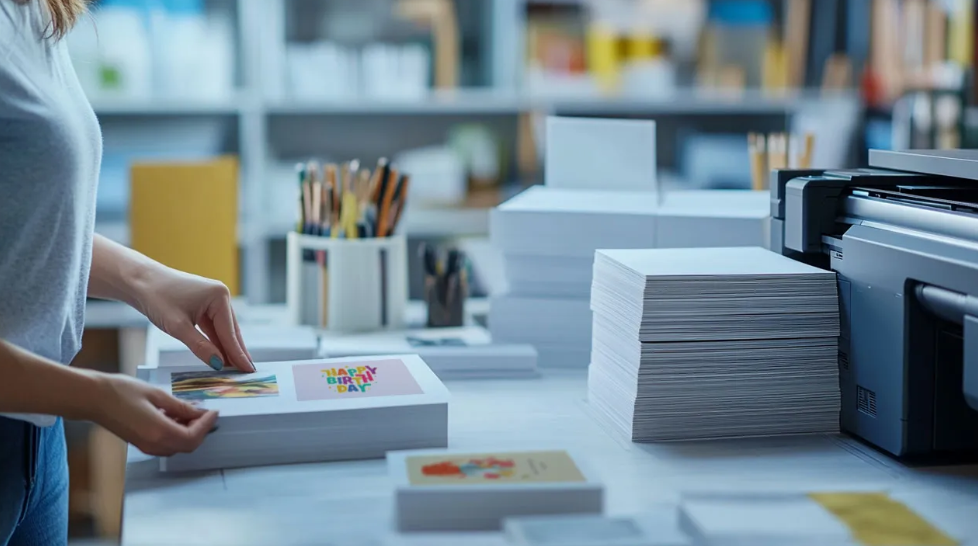
In today’s fast-paced world, creating beautiful, personalized cards doesn’t have to be expensive or complicated. With the rise of free online design tools and templates, anyone can print free cards for birthdays, weddings, holidays, thank-you notes, business promotions, and more—all without spending a penny.
This guide will walk you through everything you need to know about printing free cards—from the best platforms to tips for professional-quality results—so you can save money while designing stunning cards right from home.
Why Print Free Cards?
There are countless reasons why people are turning to free card-printing solutions. Some of the key advantages include:
- Cost Savings: Eliminate the need for professional designers or costly printing services.
- Personalization: Customize cards with photos, messages, and colors that reflect your style.
- Instant Access: Create, download, and print your cards in minutes—perfect for last-minute needs.
- Eco-Friendly Options: Print only what you need, reducing unnecessary waste.
By using free online tools, you gain full control over the design process while saving time and money.
Popular Types of Free Printable Cards
When you choose to print free cards, the options are limitless. Here are some common types you can create for free:
1. Greeting Cards
Send heartfelt messages for birthdays, anniversaries, or get-well-soon wishes with customizable greeting cards.
2. Invitation Cards
Whether it’s a wedding, birthday party, or baby shower, free invitation card templates make it easy to design stylish invites.
3. Holiday Cards
Celebrate Christmas, New Year, Thanksgiving, or any other holiday with festive card designs.
4. Thank-You Cards
Show appreciation with elegant thank-you cards that you can design and print in minutes.
5. Business Cards
Entrepreneurs and freelancers can create professional business cards without paying for premium designs.
Best Platforms to Print Free Cards Online
Choosing the right website or tool is essential for a smooth design experience. Here are the most popular platforms for printing free cards:
1. Canva
Canva offers thousands of free templates for all occasions. Its drag-and-drop editor makes designing cards easy, even for beginners.
2. Greetings Island
Specializing in greeting cards and invitations, Greetings Island allows you to print or share your designs digitally for free.
3. Adobe Express
Formerly Adobe Spark, Adobe Express provides high-quality templates and customization options for professional-looking cards.
4. Smilebox
Perfect for those who want animated cards along with printable versions for various occasions.
5. VistaPrint (Free Templates)
While primarily a paid printing service, VistaPrint offers a selection of free business card designs for personal use.
Step-by-Step Guide to Printing Free Cards
Follow these simple steps to design and print your cards quickly and efficiently:
Step 1: Pick a Template
Browse through free templates based on the type of card you want to create.
Step 2: Customize Your Design
Add photos, messages, Print Free Cards and colors. Adjust the font style and layout to make it uniquely yours.
Step 3: Download in High Quality
Save your design in PDF or high-resolution image format for the best printing results.
Step 4: Select the Right Paper
Use cardstock or premium matte paper for durability and a professional look.
Step 5: Print at Home or Locally
Use your home printer or visit a local print shop for bulk printing.
See also: Digital Transformation in Traditional Industries: Revolutionizing the Core of Established Sectors
Tips for High-Quality Printing
To ensure your free cards look as professional as possible, keep these tips in mind:
- Use a Color Printer: Vibrant colors enhance your card’s design.
- Check Margins and Bleed Lines: Prevents text or images from being cut off.
- Print a Sample First: Review one card before printing multiple copies.
- Choose Double-Sided Printing: Great for folded greeting cards or invitations.
- Lamination Option: Protects cards from damage and enhances their appearance.
Creative Ideas for Free Card Printing
Want to make your cards stand out? Try these creative ideas:
- Photo Collage Cards: Include family photos or memorable moments.
- Handmade Embellishments: Add ribbons, glitter, or stickers for a personal touch.
- Minimalist Style: Clean layouts with elegant typography create a modern look.
- Interactive QR Codes: Link recipients to videos, websites, or event RSVPs.
Benefits of Printing Free Cards
Printing free cards comes with multiple advantages beyond cost savings:
- Customization Options: Design cards that reflect your unique style.
- Convenience: Create and print anytime, anywhere.
- Eco-Friendly: Print only what you need, reducing paper waste.
- Professional Results: Achieve high-quality designs without hiring a graphic designer.
Mistakes to Avoid When Printing Free Cards
Even with free tools, there are common errors you should avoid:
- Low-Resolution Images: Leads to blurry prints.
- Thin Paper Quality: Makes cards look cheap and flimsy.
- Overcrowded Designs: Too much text or decoration reduces clarity.
- Ignoring Print Settings: Always check print alignment and paper size before final printing.
Conclusion: Start Printing Free Cards Today
The ability to print free cards has revolutionized how we create greeting cards, invitations, and business materials. With countless free templates, easy-to-use design tools, and home printing options, anyone can create professional-quality cards without spending money.
Start exploring free platforms today, get creative, and design cards that leave a lasting impression—for any occasion, big or small.